Conference Room Video System✯
The video system IP address is 193.55.95.10.
Before anything else, you must turn on both screens and the video system.
Calling another video appliance✯
From the conference room iMac:
- Open Chrome and go to the URL https://193.55.95.10
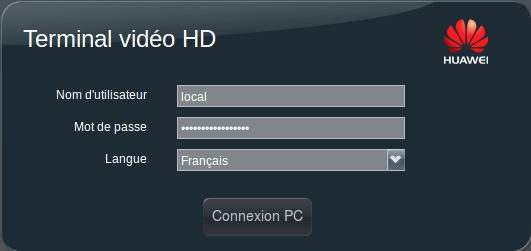
- User ID: "local".
-
The password is noted on the iMac.
-
Go to the Conference tab, then click Call
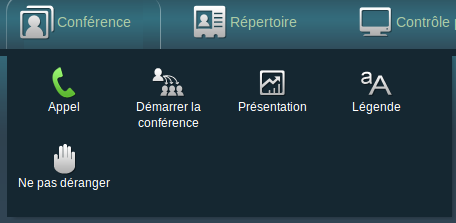
- In Site name, enter the name or IP address of the remote site, then click Call:

- At the end of the call, hang up:

Calls requiring access to a remote keypad (e.g., room codes and RENAVISIO PIN codes)✯
- Use the virtual remote control:
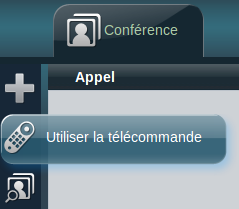
- It should normally display as follows:
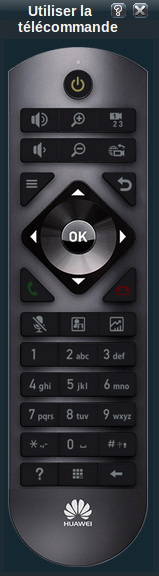
- At the bottom of the keypad, there is a Keypad button above the Huawei symbol