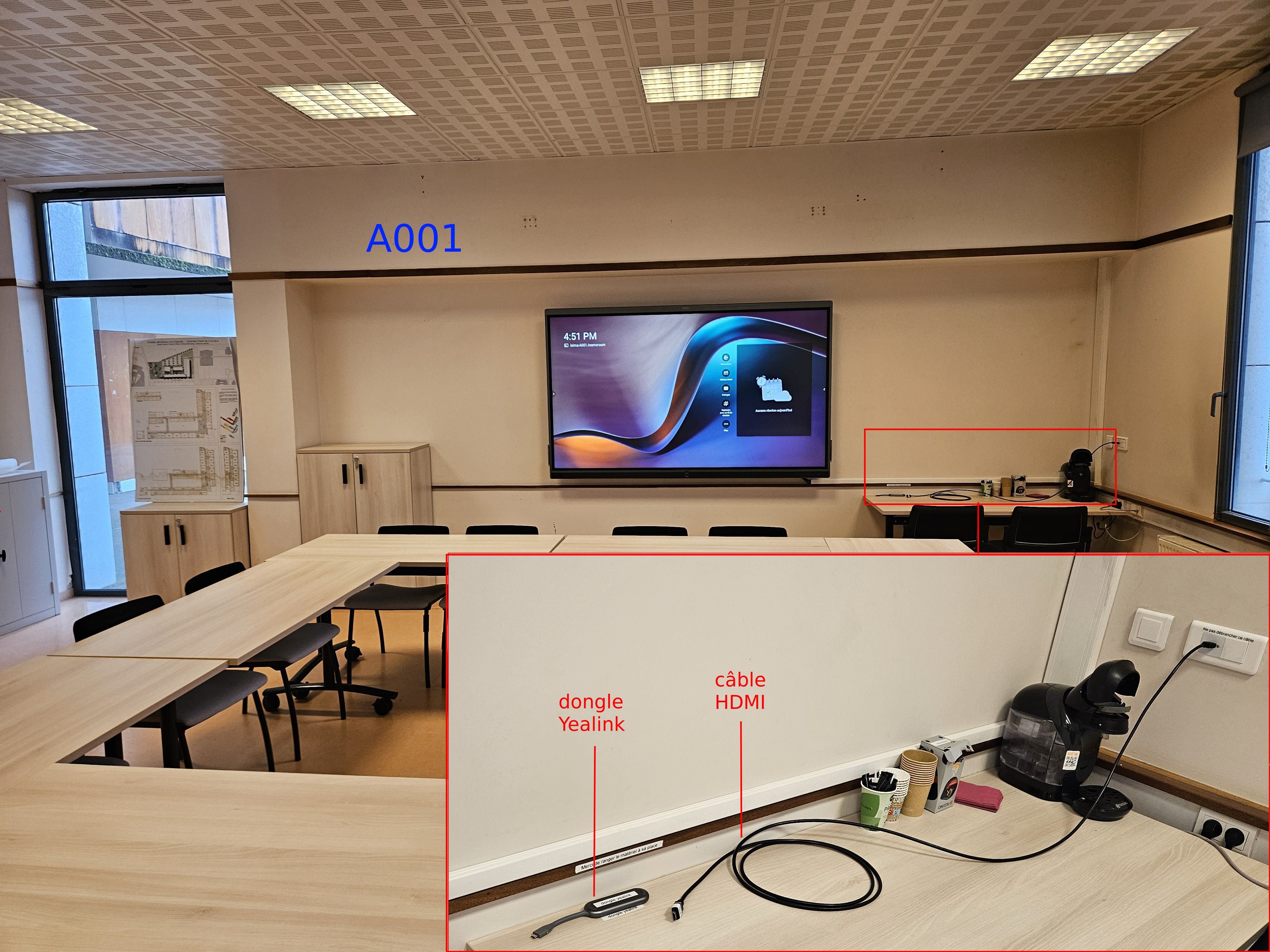
A001✯
Presentation of the room and equipment
Please put the equipment back in its place after each use 🙏
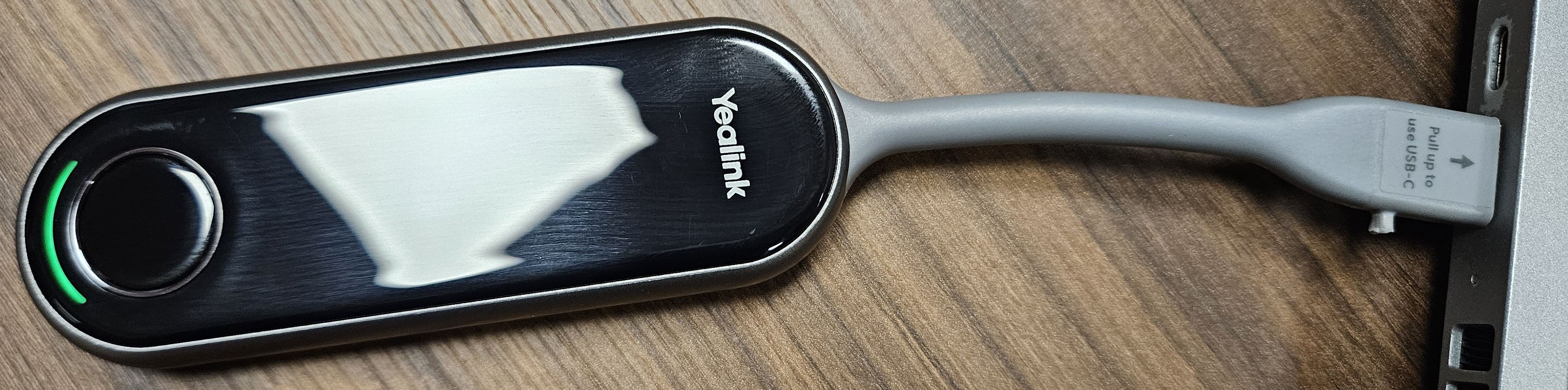
Wireless projection with USB-C (recommended)✯
Connect the Yealink dongle to USB-C✯

Wait for the light to stabilize on green✯
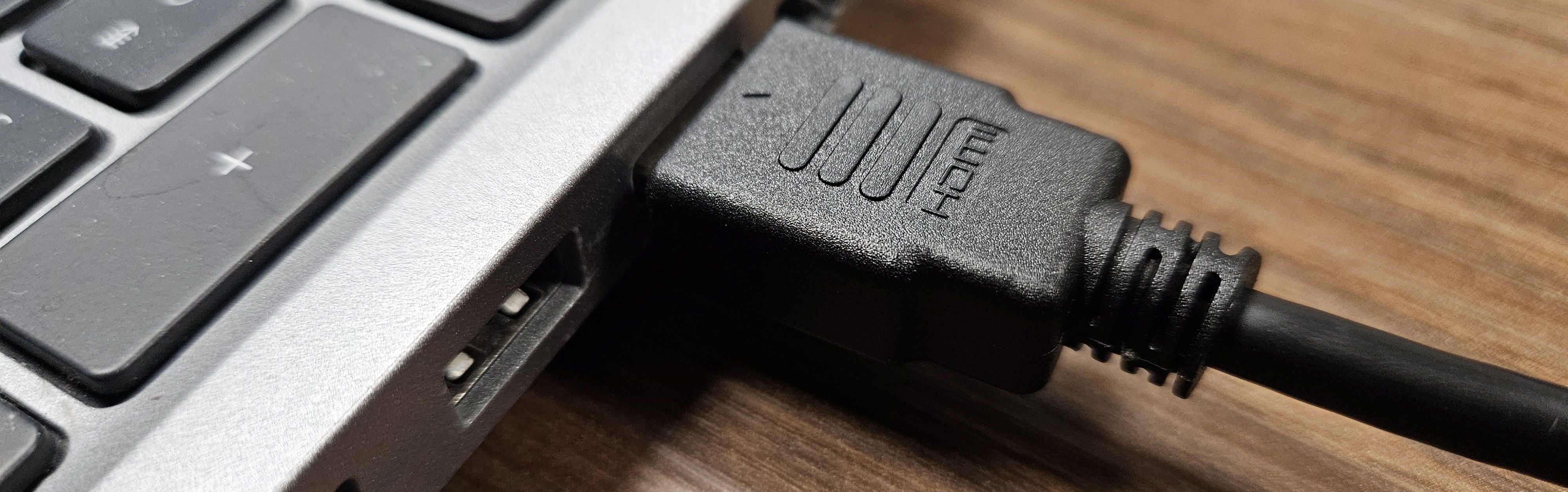
HDMI projection (if no USB-C)✯
Connect the HDMI cable to the machine's HDMI port✯
If the machine does not have an HDMI port, adapters are available in A109 / A115