Authentication for My✯
To access the My intranet management tool, you must authenticate using your personal UCA credentials. This authentication is required to ensure the security of your data and the infrastructure.
Here is the My authentication page:
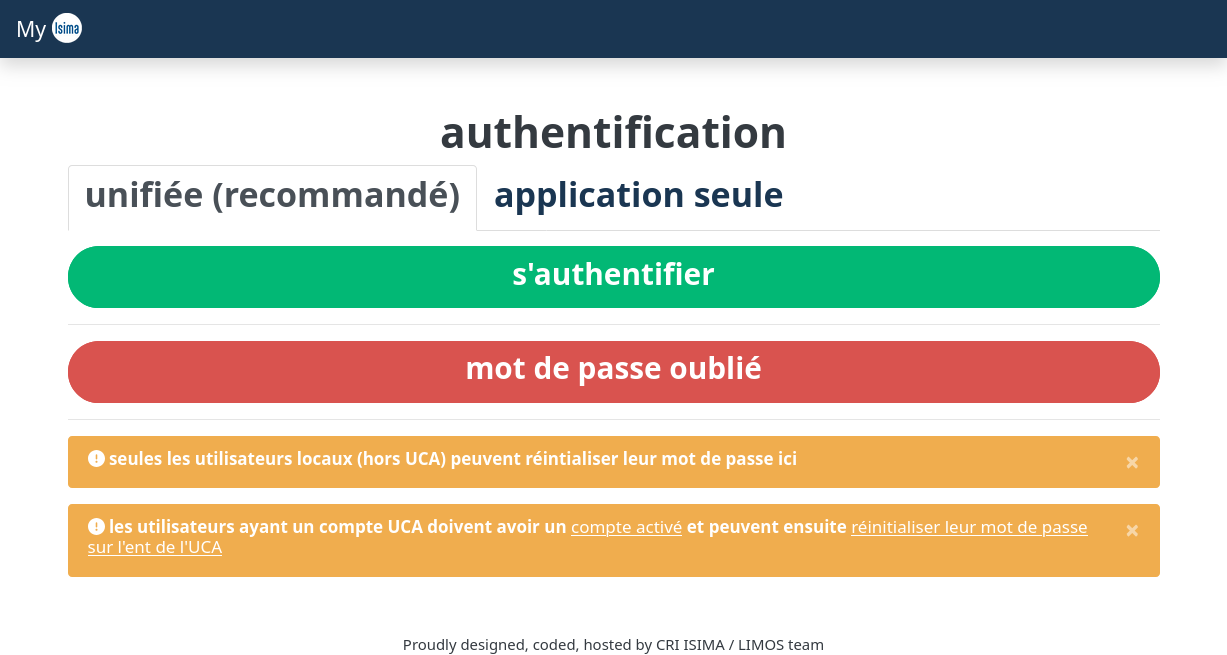
You can log in using unified authentication by clicking the green Authenticate button. You will be redirected to the ISIMA / LIMOS centralized authentication page.
This centralized authentication allows you to log in to all ISIMA / LIMOS services. This enables you to navigate between different services without having to enter your credentials each time.
Unified authentication
Currently, only a few of our services are integrated with unified authentication.
If you encounter authentication issues via unified authentication, you can click the "application only" tab to authenticate directly to My using your UCA account credentials.