Quotas✯
Each project has a storage quota that limits the disk space its images can occupy. This ensures fair sharing of registry resources.
Check project consumption✯
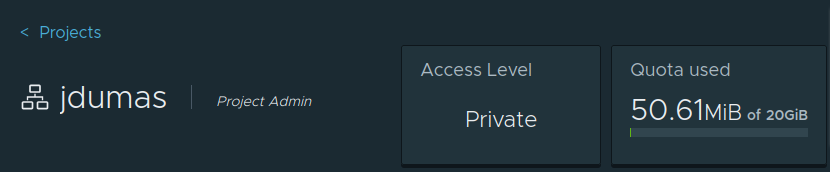
You can view used and allocated space at any time from the Summary tab of your project: a gauge indicates the consumed quota share.
What is counted✯
The quota corresponds to the total size of images (manifests and layers/blobs) pushed to the project.
- Shared layers between multiple images in the same project are counted only once.
- Re-tagging an image from one project to another increases the destination project's usage.
When the quota is reached✯
When allocated space is exhausted, subsequent docker push commands fail with an error indicating the quota has been exceeded. pull operations are unaffected.
Free up space
- Delete old tags and unused images via the web interface.
- Set up retention rules (Tag Retention) in the Policy tab of the project to keep, for example, only the last N versions.
- Reduce image size (light base images, multi-stage builds).
Modify a quota
Only the system administrator of the registry can set or increase a project's quota. If your legitimate use requires more space, contact support with justification.