Homeweb — Web Access to Your Personal Space✯
https://homeweb.isima.fr is the web service that allows you to access, from a simple browser, your personal spaces on the school's file servers (the directories you may know as ~/shared under Linux, P:\ under Windows or "your shared directory" in ownCloud).
Authentication is done with your ISIMA/UCA account (your usual username and password). The interface is available in French and English, with light or dark themes.
Connecting✯
The login page offers a server selection based on your user group:
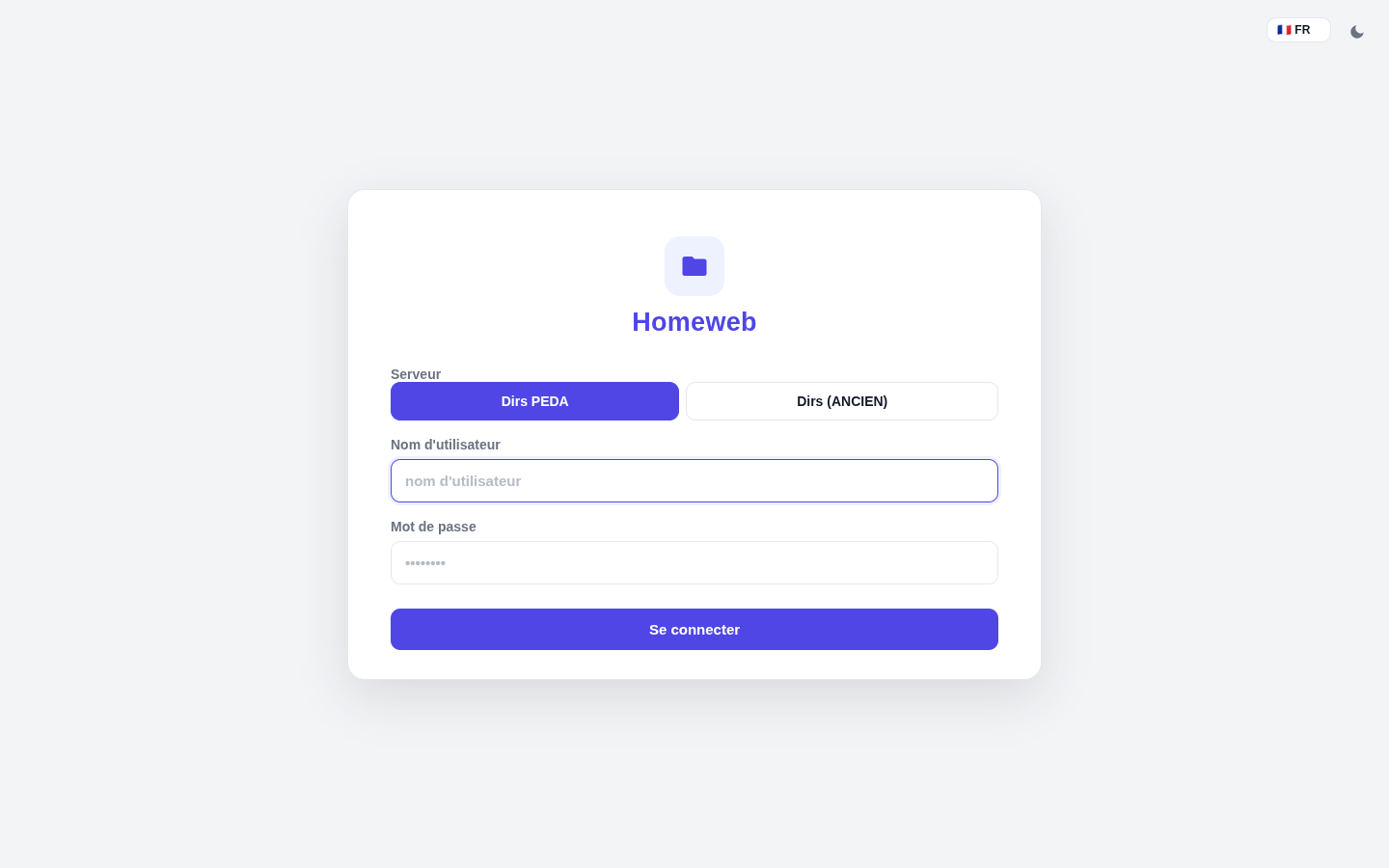
- Dirs PEDA — the roaming personal directories of students in pedagogy, hosted on the new NFS server. This is the server you should work on in classrooms (TPs, reports, code…).
- Dirs (OLD) — the
shareddirectories of the old NFS server, now used by staff only.
To remember
- Students: your working files live on Dirs PEDA (automatically mounted as a roaming home directory in classrooms).
- Staff: your old
shareddirectory remains accessible via Dirs (OLD); this is also where thepublic_htmlfolder is located that powers your personal pages.
Select the server, enter your credentials and click Connect: you arrive at the root of your personal directory.
Navigating Your Files✯
The interface displays the directory tree of your space (here the roaming home directory of a student on Dirs PEDA, with its Desktop, Documents, Pictures… folders created at first connection):
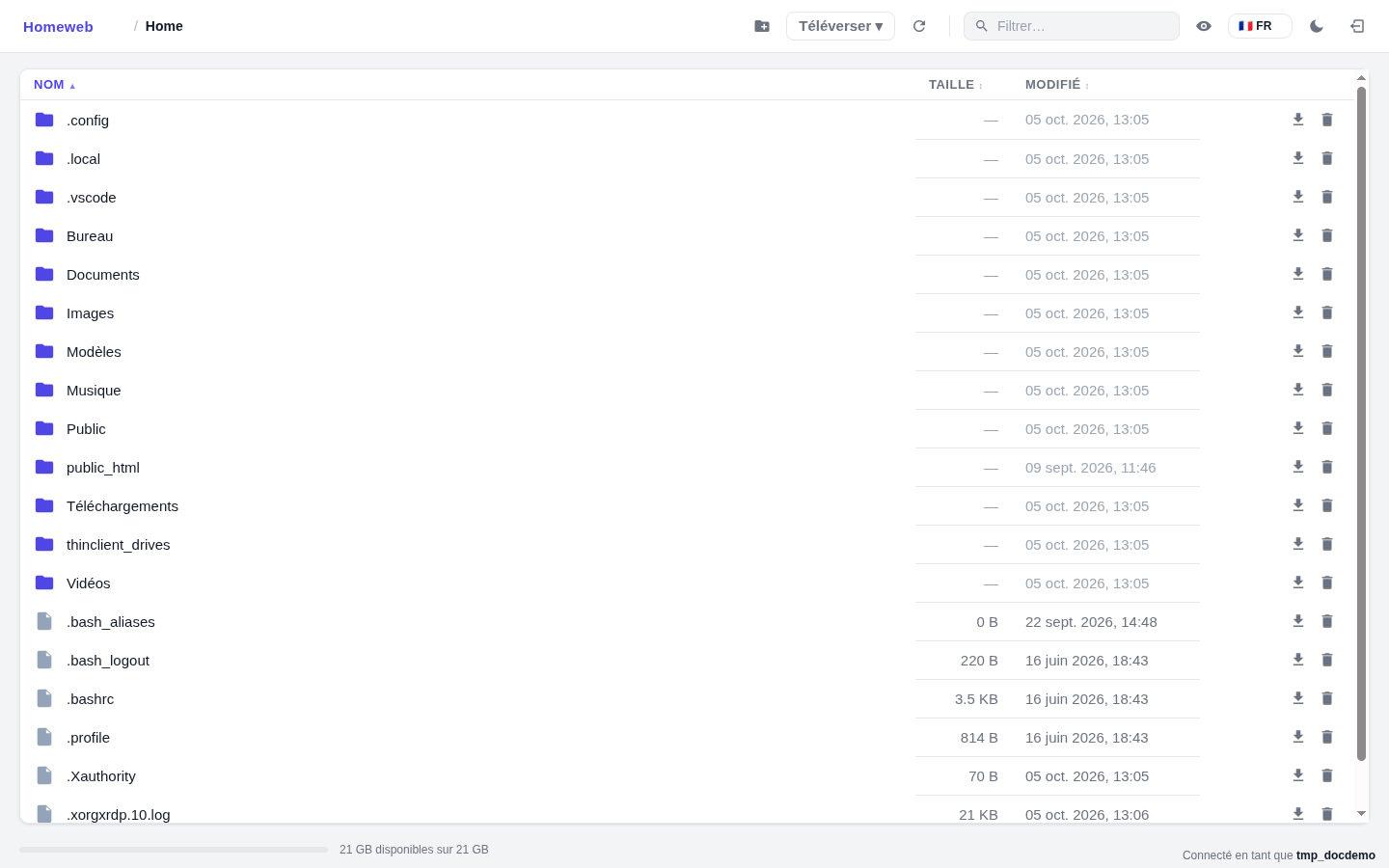
The top bar provides access to main actions:
- New folder: create a folder
- Upload: upload files or an entire folder from your workstation (drag-and-drop also possible)
- Refresh: refresh the display
- Filter: search within the current folder
- the eye icon allows to show/hide hidden files (key
H)
The footer indicates the quota available on your space.
Each file/folder offers at the end of the line the download (single file or folder archived as ZIP/TAR) and deletion. Clicking on a folder name navigates inside, with a breadcrumb trail to go back up.
Uploading Files✯
The Upload button opens a menu (Files… or Folder…) then a selection window:
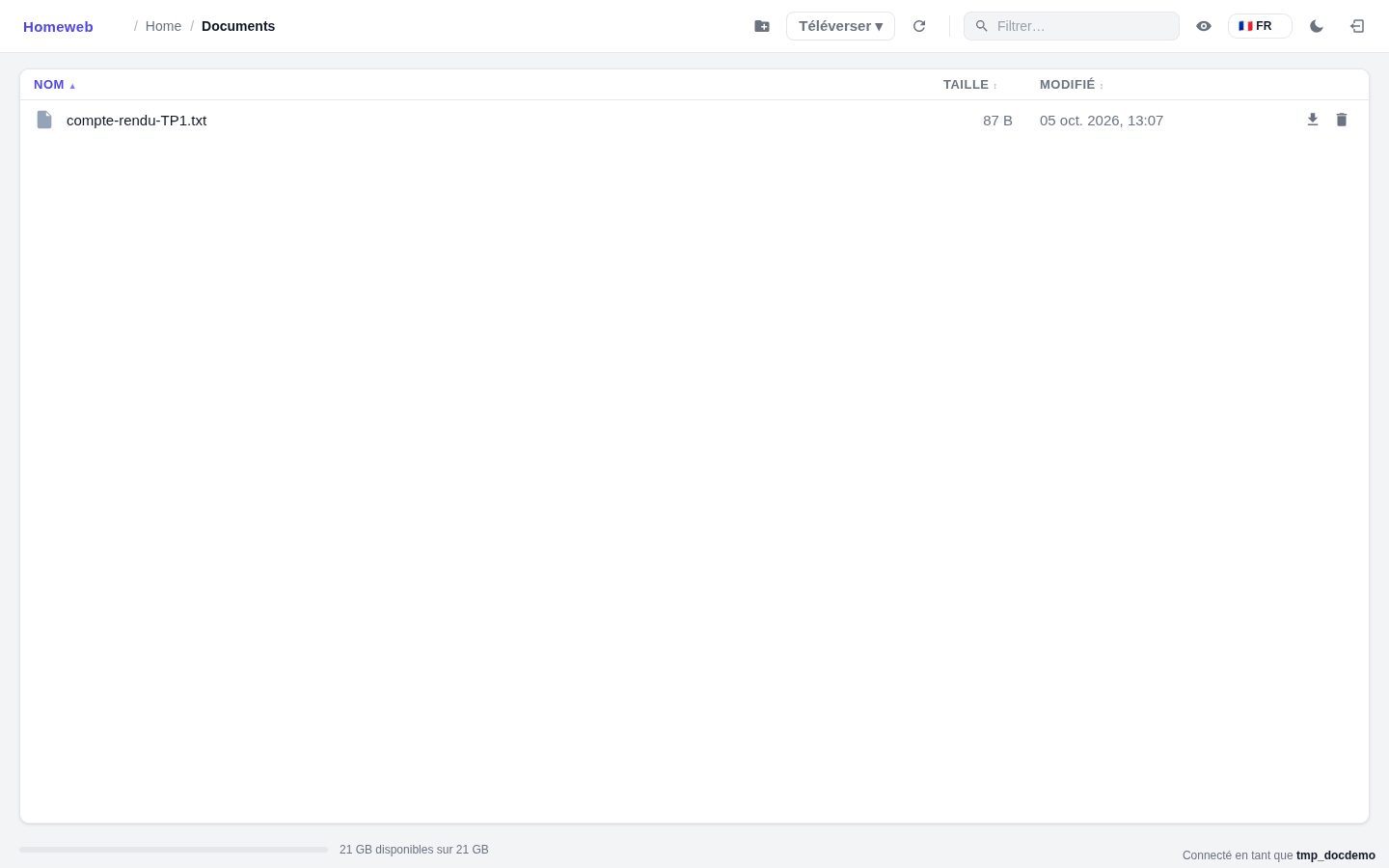
Uploaded files are immediately available on the school’s workstations (network mount) and vice versa: homeweb is just a web view of your directory, not a copy.
Accessing Your Personal Pages (perso.isima.fr)✯
For staff, your personal pages (perso.isima.fr) are served from the public_html folder of your shared directory (server Dirs (OLD)). Homeweb allows you to manage these files from any browser, without mounting the network share:
- Connect to Dirs (OLD)
- Open the
public_htmlfolder - Upload or modify your files (the interface offers file upload, folder creation and editing)
What About ownCloud?✯
The shared directory is not migrated to OpenCloud (it is the Linux personal file space, a separate service). In ownCloud, the shared folder was only an entry point to this directory.
- web access to this space is now provided by homeweb.isima.fr
- access from workstations and servers (network mount
P:\,~/shared) remains described in Personal Storage Space (~shared) - your cloud files (shared, collaborative) are on OpenCloud: the two services are complementary