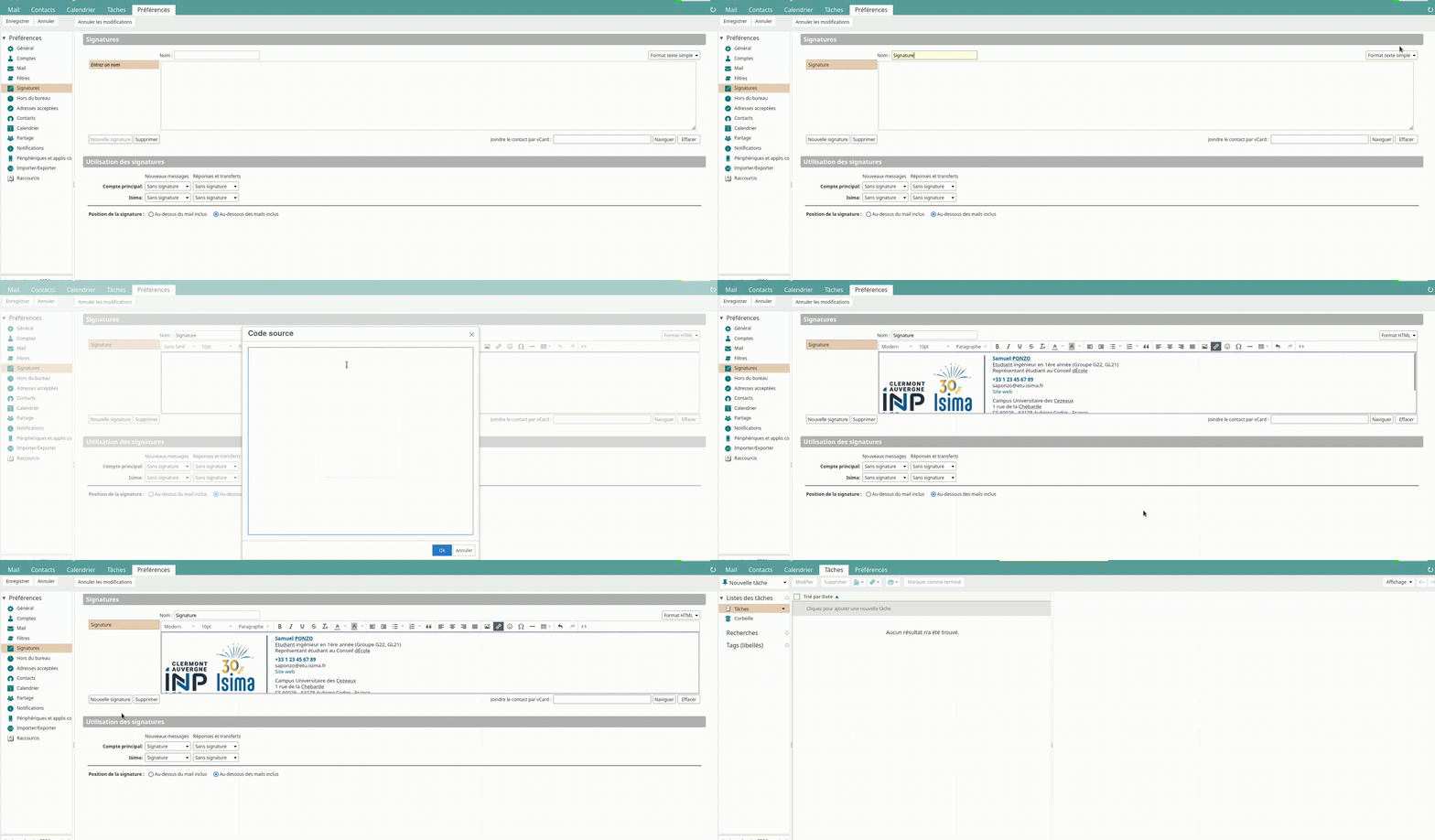
Setting a Signature (Zimbra)✯
To set a signature in Zimbra, go to the Preferences section.

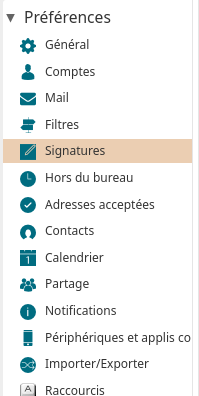
Then, click on the Signatures section.
You should arrive at this page:
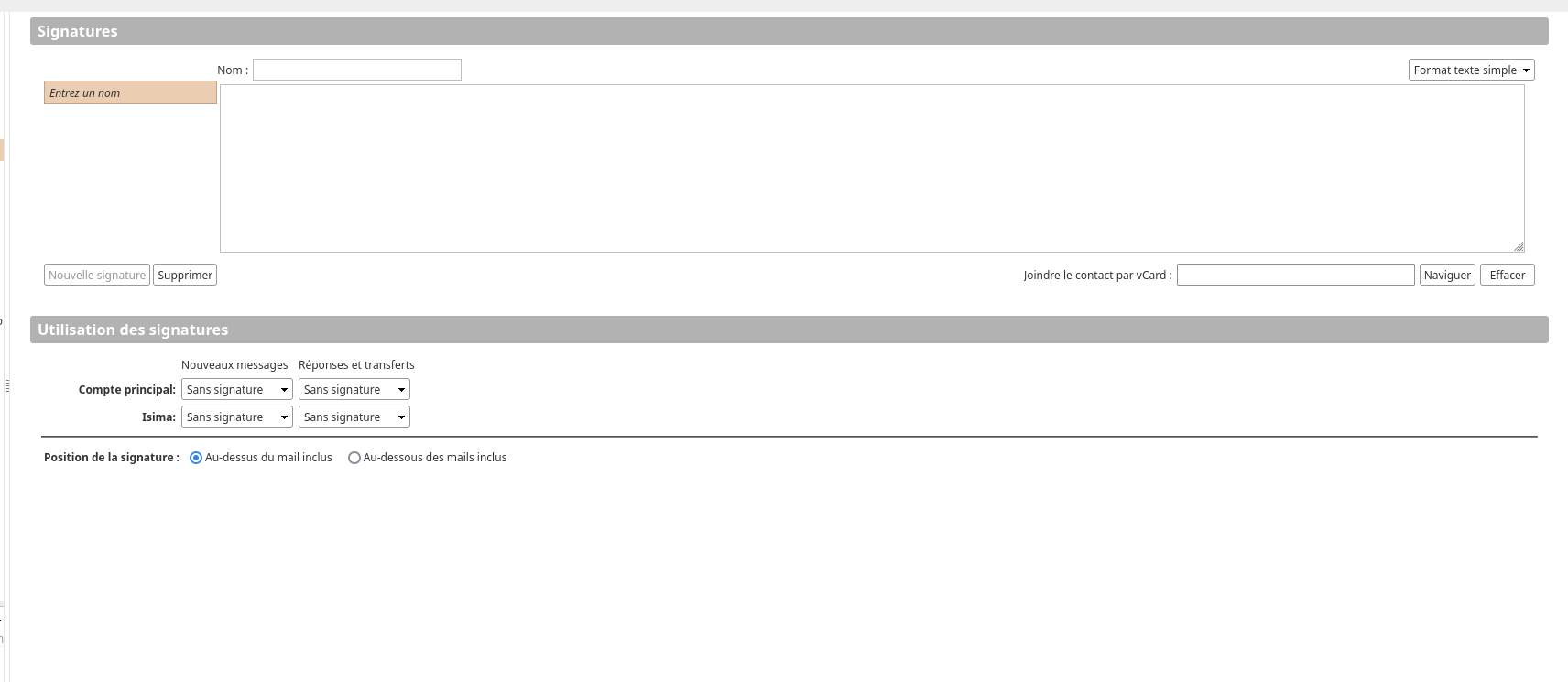
You can define a simple text signature or an HTML signature. To change the format, click on the Plain Text Format or HTML Format selector at the top right of the text area.
To import an HTML signature, click on the Source Code (<>) button. A signature generator is available to create a signature in the form:

Grande école d'ingénieurs publique en informatique
prenom
nom
Etudiant ingénieur en 1ère année (Groupe G11, GL31)
Délégué du groupe G1
Délégué du groupe G1
Campus Universitaire des Cezeaux
1 rue de la Chebarde
CS 60026 - 63178 Aubiere Cedex - France
1 rue de la Chebarde
CS 60026 - 63178 Aubiere Cedex - France


Once the signature is defined, it is recommended to give it a name.
You can set a default signature via the Signature Usage tab.
Click the Save button to apply the changes.