Requesting the Creation of Project Groups✯
Some users have the ability to request the creation of groups. To do this, simply fill out the group creation request form.
The request will then be reviewed by the administrators of the ISIMA and LIMOS information systems.
-
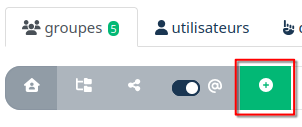
To access the group creation request form, click the button below.
-
Select the group type: project group.
- Then proceed to the creation form.
You will then see a screen similar to this one:
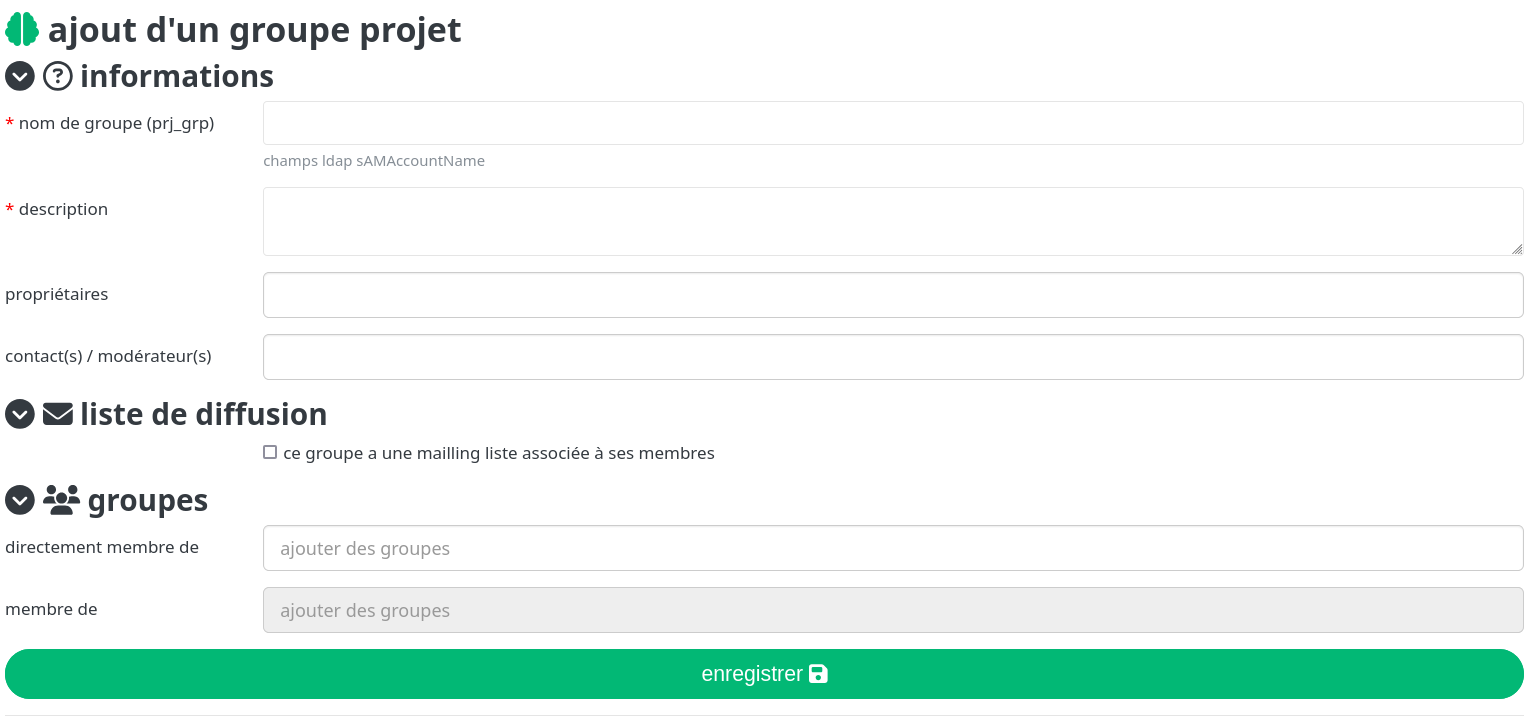
- You must then fill in the fields and validate the creation.
- You have the option to define a mailing list for the group. This list will be created automatically.
- You can also define a parent project group. The parent project group is a project group that contains the project group you are currently creating. This allows you to structure project groups.
Note
You will be able to define the group members once the creation has been validated by the administrators.
To view the list of groups you have created, on the directory homepage, in the Groups tab, you can click the "Groups I created" button.
