User Creation Request✯
Some users have the ability to request the creation of user accounts. To do this, you simply need to fill out the user creation request form.
The request will then be reviewed by the administrators of the ISIMA and LIMOS information systems.
Warning
It is only possible to create contributor type users. For ISIMA or LIMOS. A contributor will have very restricted rights on our services.
-
To access the user creation request form, click the button below.
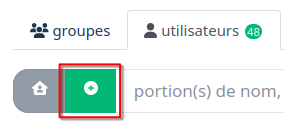
-
Select the user type
- ISIMA contributor
- Access rights to ISIMA GitLab
- Access rights to VPN
- Access rights to ownCloud drive (https://owncloud.isima.fr)
- Access rights to shared HedgeDoc notes (https://hedgedoc.isima.fr)
- LIMOS contributor
- Access rights to LIMOS GitLab
- Access rights to VPN
- Access rights to ownCloud drive (https://owncloud.isima.fr)
- Access rights to shared HedgeDoc notes (https://hedgedoc.isima.fr)
- Then go to the creation form.
You will then see a screen similar to this one:
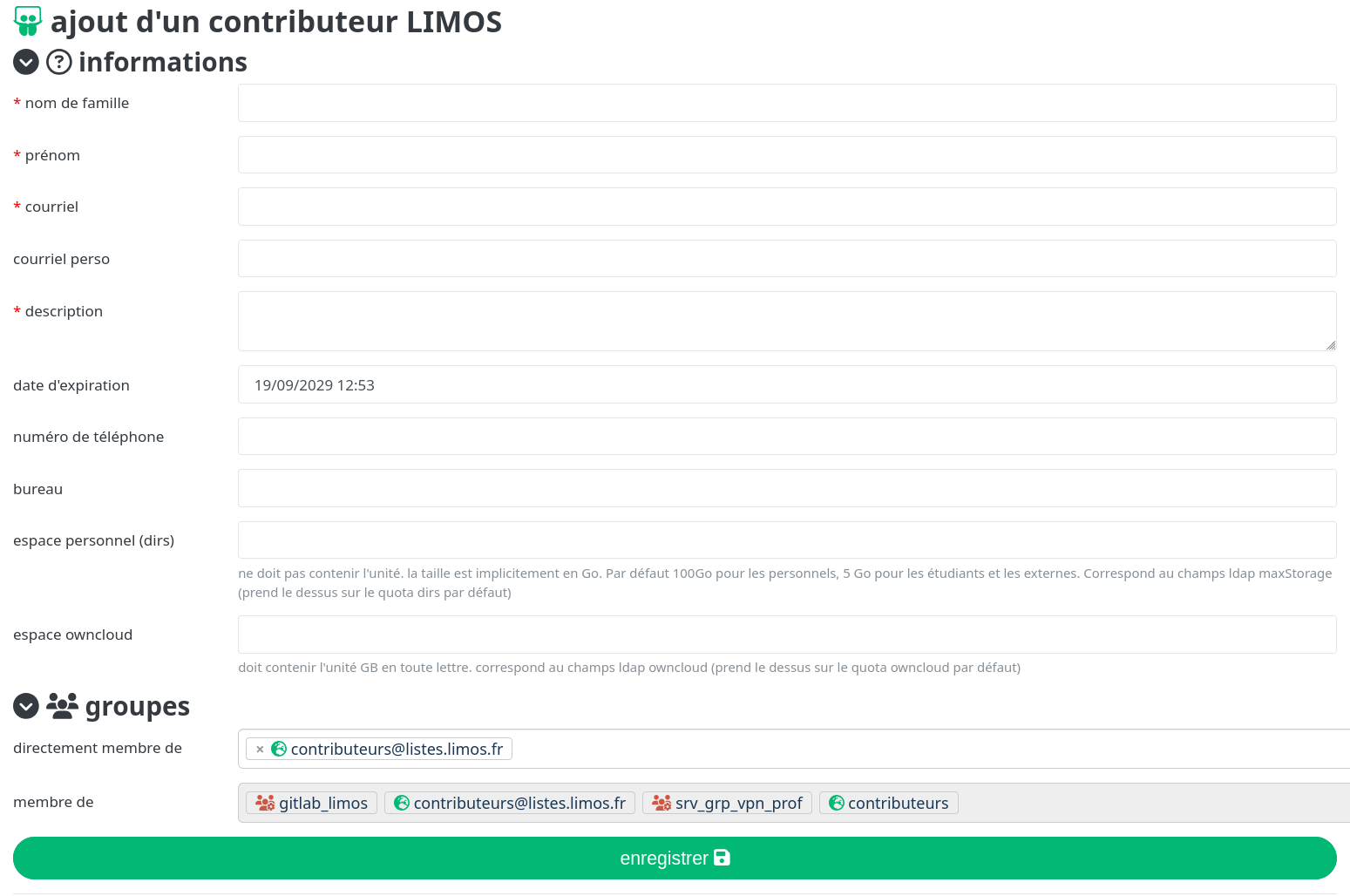
- You must then fill in the fields and validate the creation.
- You can also define groups to which the user will be added.
Note
You will also have the ability to define the groups to which the user will belong once the creation is validated by the administrators.
To view the users you have created, on the directory home page, in the Users tab, you will see the list of users you have created.